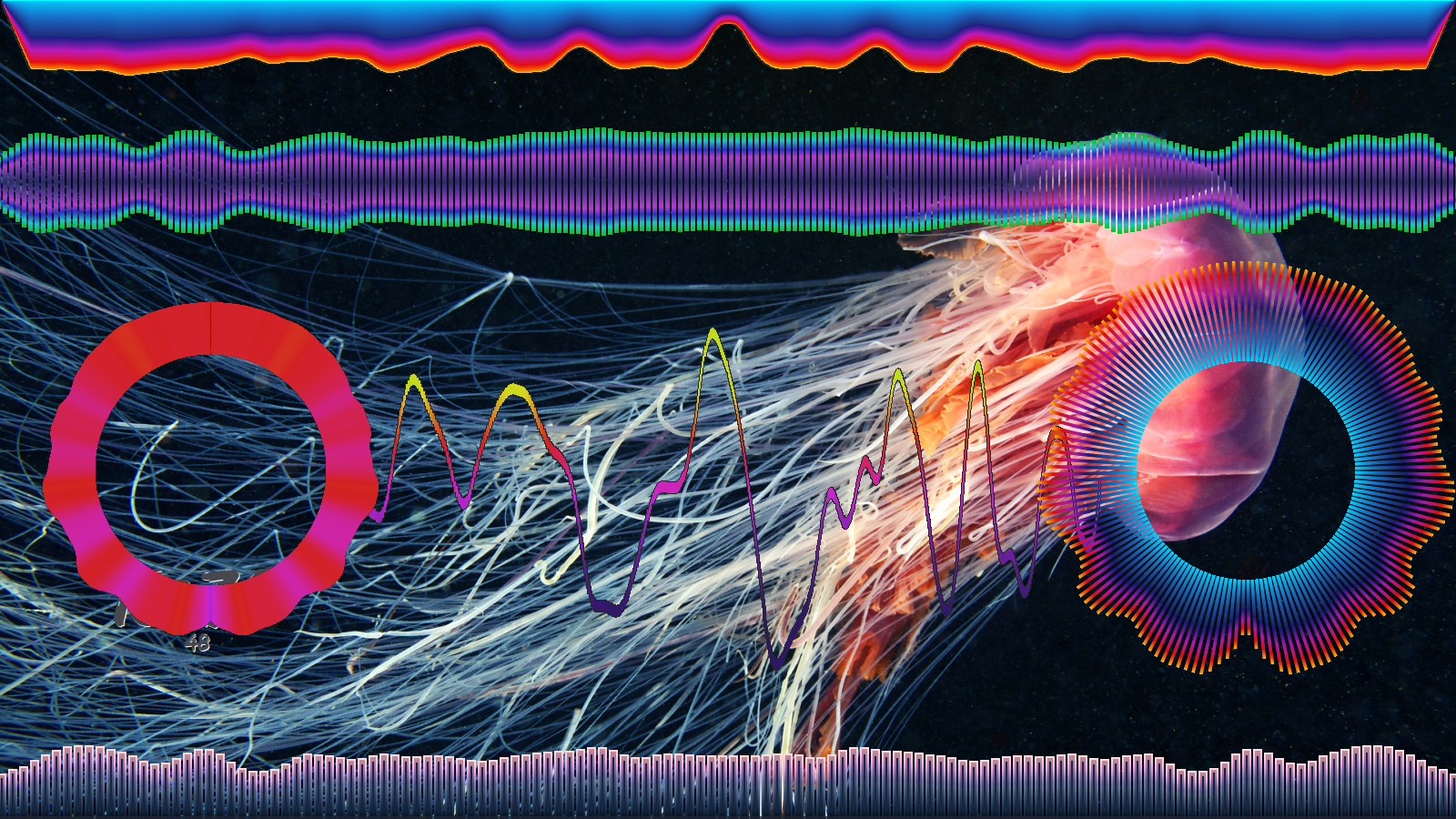
Multi-instance GLava audio visualization studio for Linux desktop. Run Bars, Wave, Circle, Graph and Radial simultaneously — each isolated, each yours.
Like many good tools, this started as a personal itch — a small script to sync Bing wallpaper colors with GLava. Step by step it grew into a full-featured shader management studio. Born from bing-glava-suite, built for everyone.
What it does
A complete control panel for the GLava audio visualizer — from per-instance shader tuning to automated Bing wallpaper color sync.
Run Bars, Wave, Circle, Graph and Radial simultaneously. Each instance has its own isolated config directory, GLava process and shader settings.
Automatically extracts dominant colors from your Bing wallpaper and applies them to all running GLava instances in real time.
Daily wallpaper downloads with region selection. Lock your favorite wallpaper or let it update automatically on a cron schedule.
Save and restore complete multi-instance setups as workspaces. Shader profiles let you store and recall parameter sets per module.
Automatically calculates correct GLava window size and position based on your screen resolution, taskbar height and side panels.
Complete Polish and English UI with runtime language switching. All dialogs, menus and tooltips fully translated.
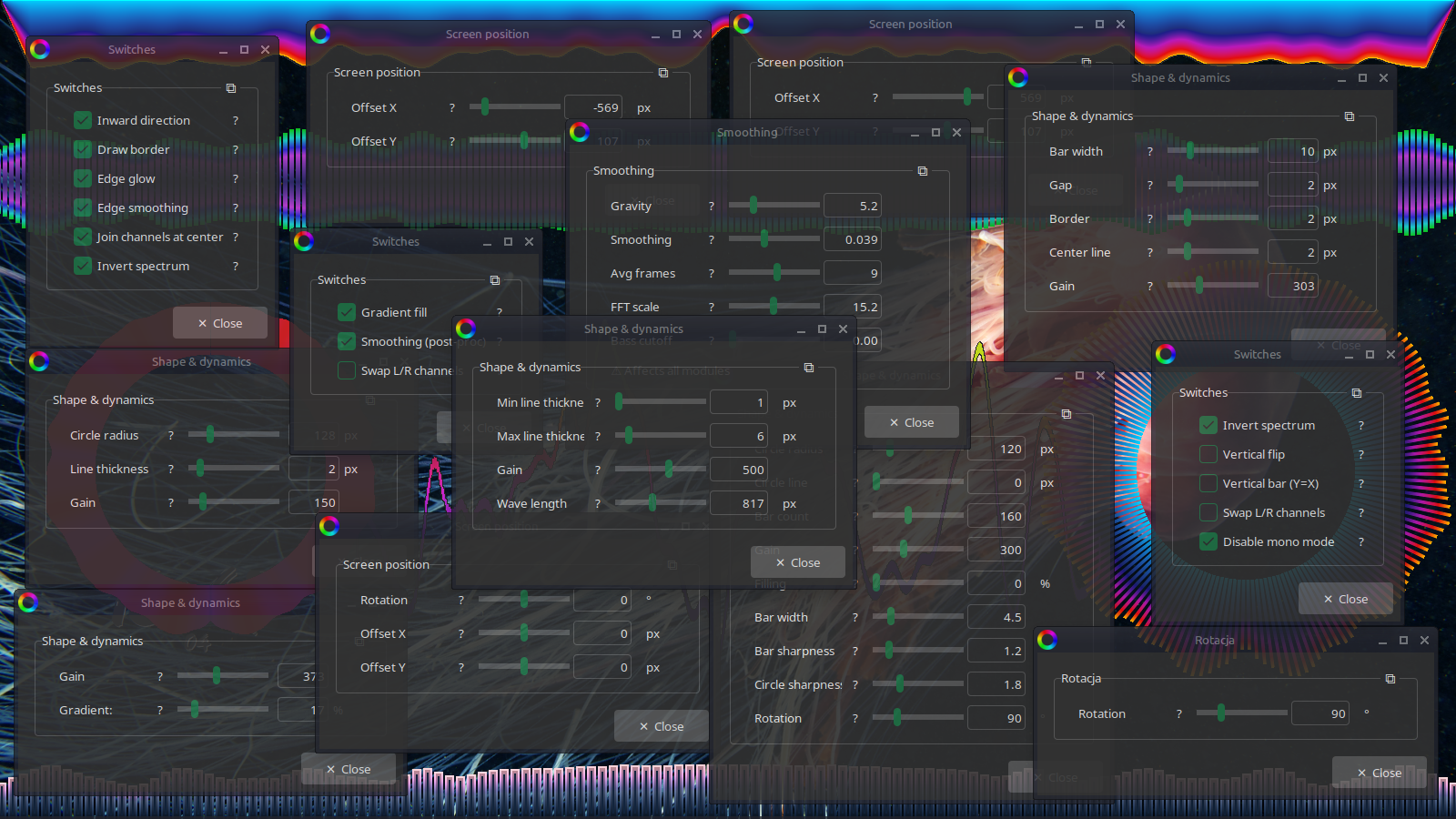
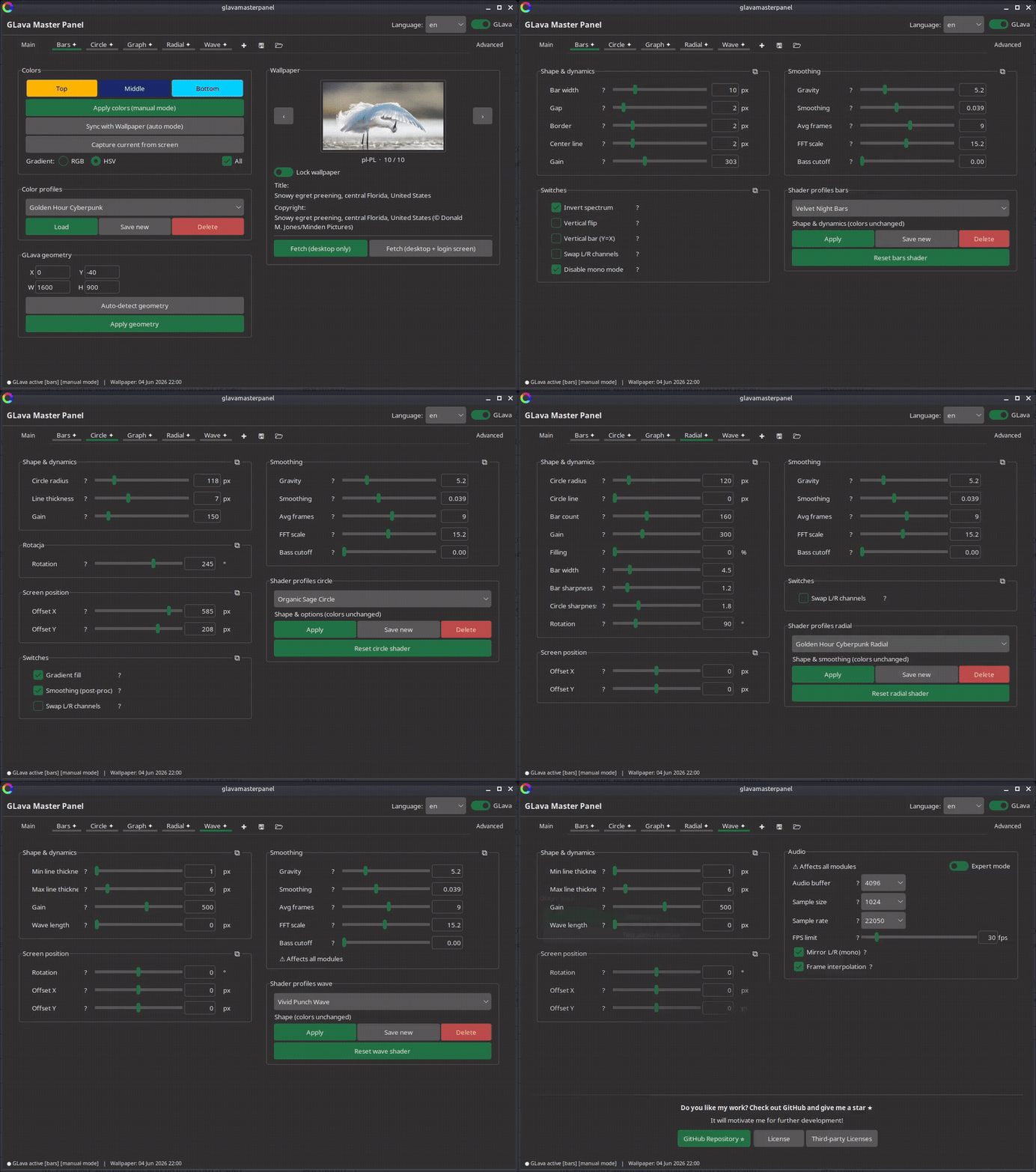
Dedicated control panels for each module — shape, smoothing, dynamics, flags. Debounced sliders restart GLava only when you stop dragging.
The color daemon runs as a systemd user service — starts automatically on login, restarts on failure, no root required.
A single sudo ./install.sh handles everything — scripts, GUI, systemd service, cron, autostart and PATH configuration. No manual steps required.
Clean, consistent dark/light interface built entirely on Forest-ttk-theme. No Tk Win95 artifacts — custom TTK dialogs throughout.
Gallery
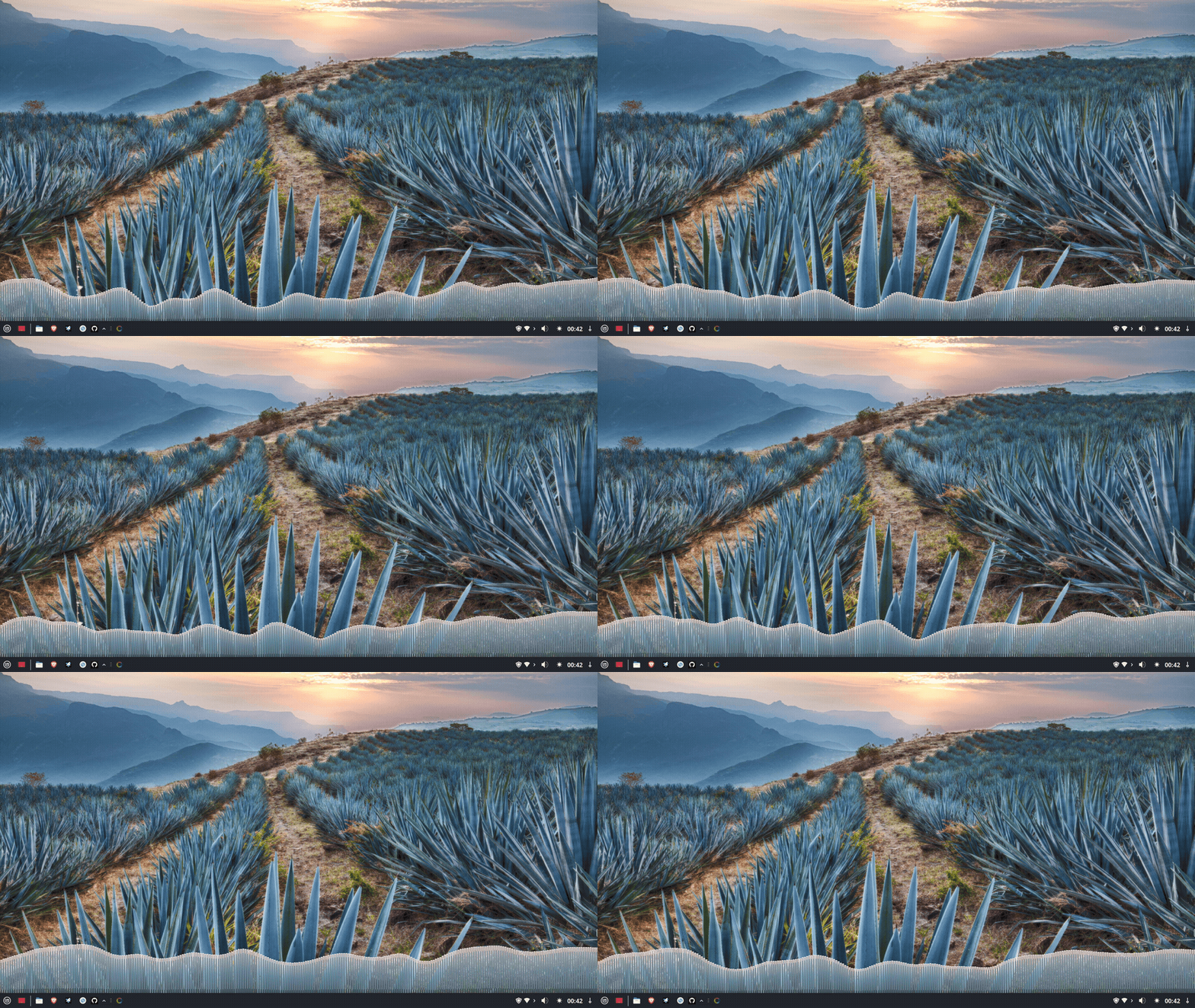
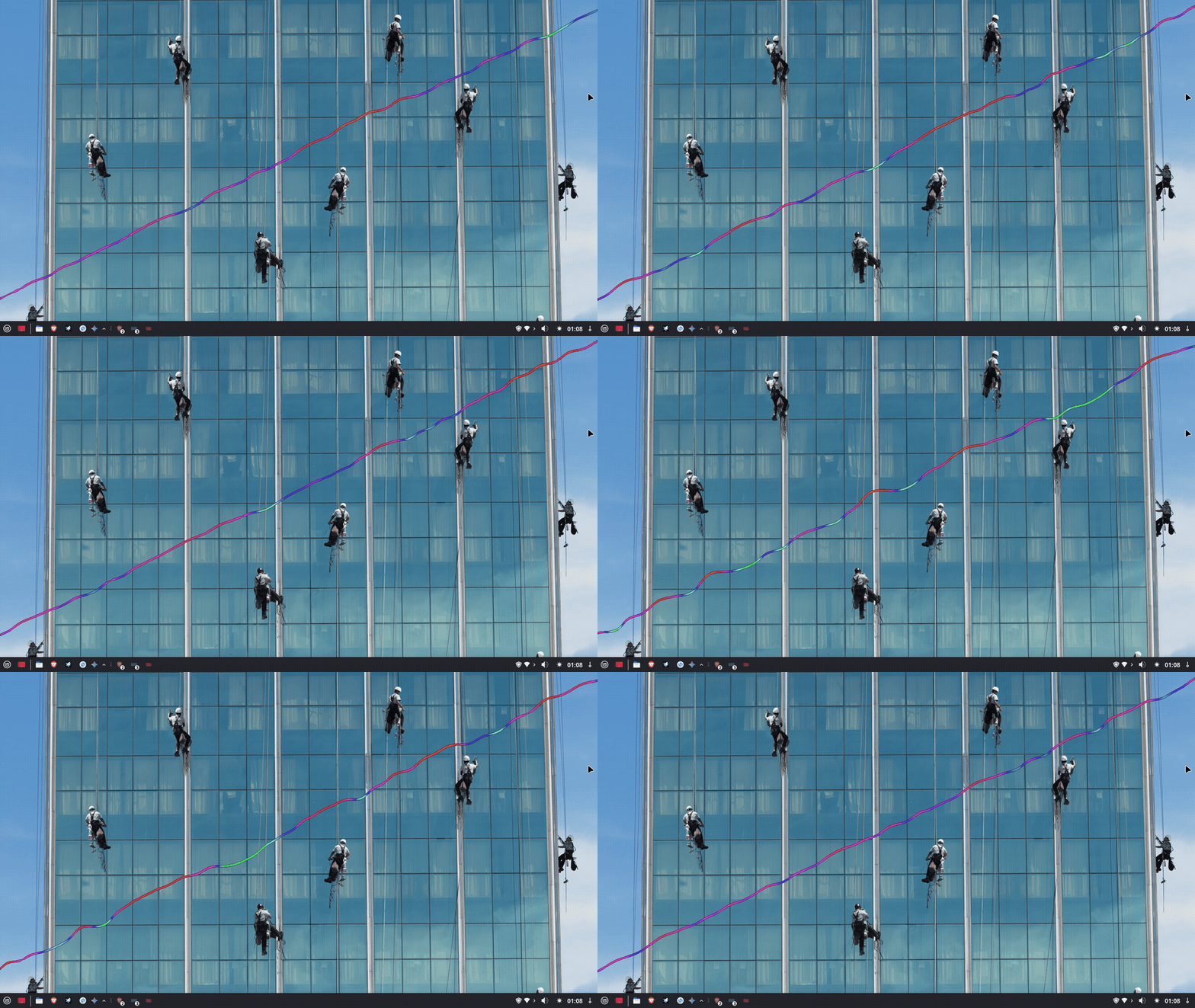
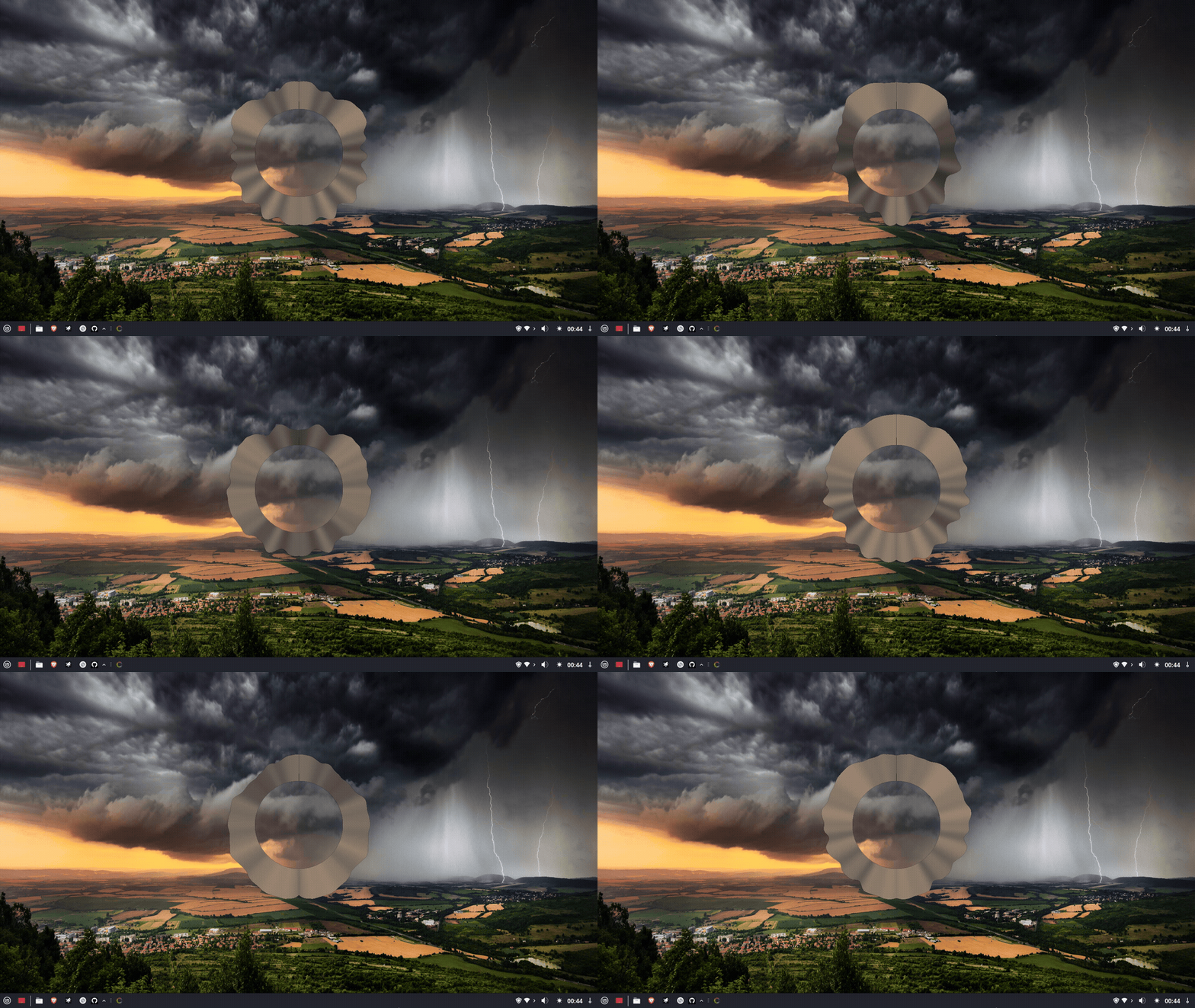
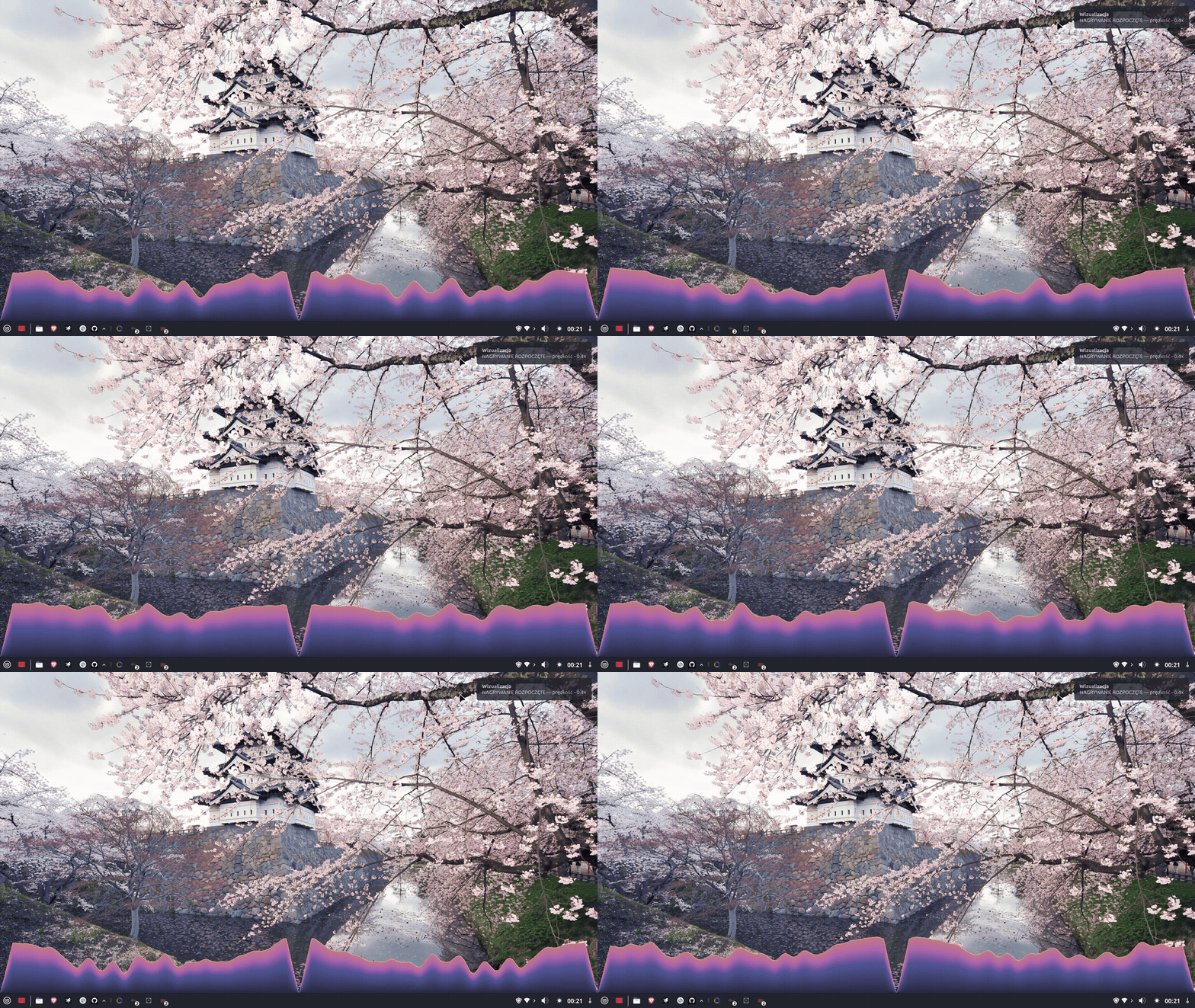
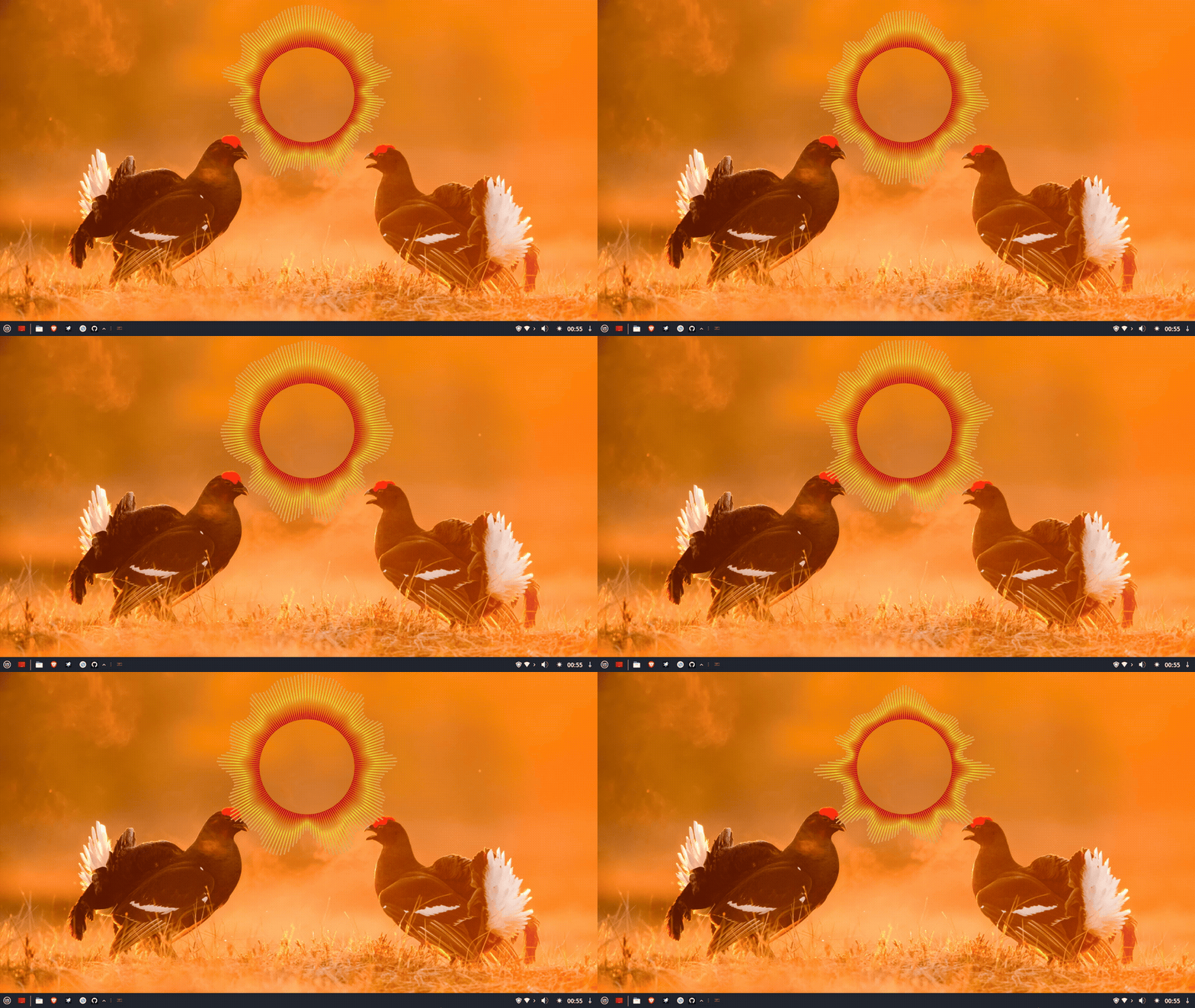
GLava shaders running on Linux Mint 22 XFCE, Intel HD 3000.
| Module / Tab | 📐 Shape & Dynamics | 🔄 Geometry & Position | 🌊 Smoothing & Audio | 🛠️ Switches & Profiles |
|---|---|---|---|---|
| Main | Color Pickers (Top/Mid/Bottom) Color Profiles (Load/Save/Delete) RGB / HSV modes |
GLava Geometry (X, Y, W, H) Auto-detect geometry |
Wallpaper sync (auto mode) Capture colors from screen |
Bing Wallpaper Hub Browse, Lock, Fetch Desktop + Login screen |
| Bars | Bar width, Gap, Border Center line, Gain |
Global (Main tab) | Gravity, Smoothing Avg frames, FFT scale Bass cutoff |
Invert spectrum, Vertical flip Vertical bar (Y=X) Disable mono, Swap L/R Shader Profiles |
| Circle | Circle radius Line thickness, Gain |
Rotation (0°–360°) Screen Offset (X, Y) |
Gravity, Smoothing Avg frames, FFT scale Bass cutoff |
Gradient fill Post-processing smoothing Swap L/R, Shader Profiles |
| Graph | Gain Gradient (0%–100%) |
Global (Main tab) | Gravity, Smoothing Avg frames, FFT scale Bass cutoff |
Inward direction, Draw border Edge glow, Edge smoothing Join channels, Invert spectrum Shader Profiles |
| Radial | Circle radius, Circle line Bar count, Gain Filling (0%–100%) Bar width, Bar/Circle sharpness |
Rotation (0°–360°) Screen Offset (X, Y) |
Gravity, Smoothing Avg frames, FFT scale Bass cutoff |
Swap L/R channels Shader Profiles |
| Wave | Min/Max line thickness Gain, Wave length (px) |
Rotation (0°–360°) Screen Offset (X, Y) |
Gravity, Smoothing Avg frames, FFT scale Bass cutoff |
Shader Profiles Quick shader reset |
| Advanced | — | Test panel detection | Audio buffer, Sample size Sample rate, FPS limit Mirror L/R, Frame interpolation |
GUI Theme manager Daemon logs viewer PL / EN language switch |
Get started
Tested on Linux Mint 22 XFCE/Cinnamon and Ubuntu 24.04. Requires Python 3.10+, Tkinter and GLava.
Download the pre-built .deb package from the Download section below and install it.
Pillow, numpy and scikit-learn are required for color extraction.
The installer copies all files, sets up the systemd service and configures autostart.
GLava and the color daemon start automatically on your next login.
Download
GLava .deb provided for Ubuntu 24.04 / Linux Mint 22. Source code available on GitHub.
Pre-built package for Ubuntu 24.04 / Linux Mint 22.
No OBS plugin support.
Build with OBS virtual camera plugin support.
Coming in a future release.
Latest dev branch as a .zip archive.
Python 3.10+ required.
Planned support for Debian 12 and other Debian-based distributions beyond Ubuntu/Mint.
PlannedInstructions for compiling GLava from source on Ubuntu / Mint.
BUILDING.md